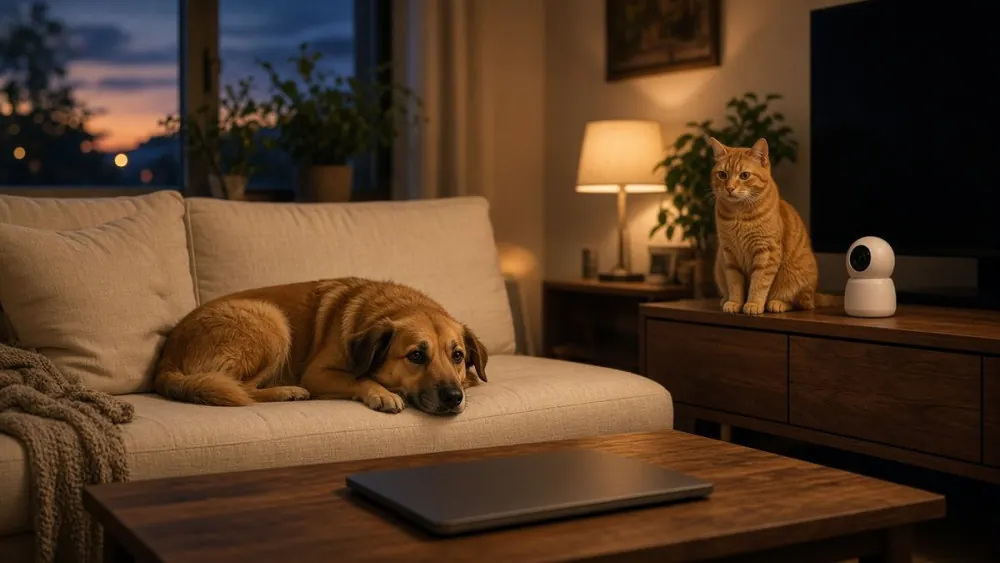
Best Pet Cameras
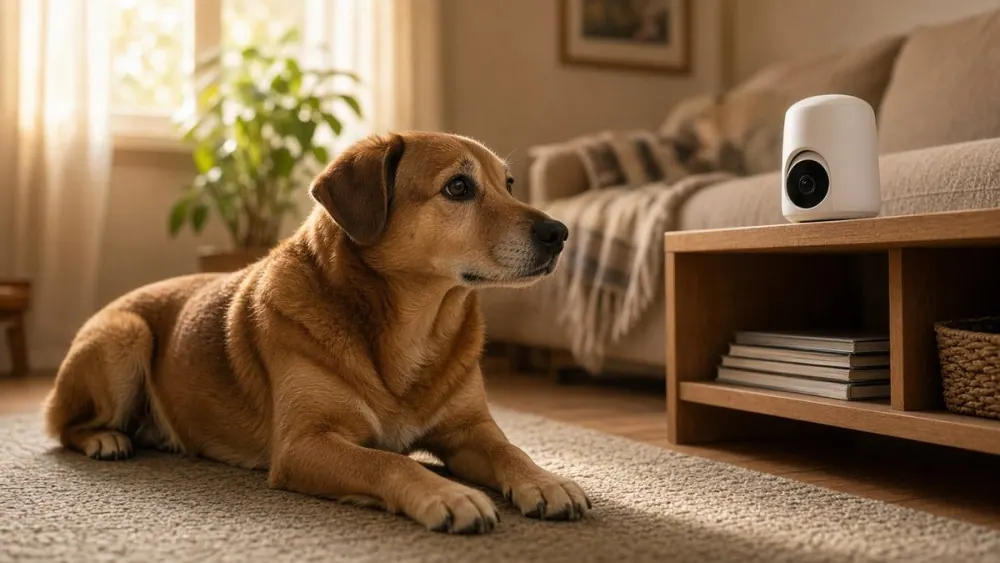
A pet camera lets you see whether a dog is actually resting or tearing up a door, and it can toss a treat or carry your voice into the room. It cannot treat separation anxiety, and a motion siren can scare the animal you are trying to watch. Some features work without a monthly plan. Cloud history, “AI nanny” alerts, and in-app vet chats usually do not. If being left alone is already a crisis, start with our guide to dog separation anxiety rather than a treat-tossing gadget. A calming chew is also not a treatment plan.
Pet cameras are also among the items most often discounted during Black Friday and Cyber Monday. That deals page links to Amazon’s live sale hubs rather than quoting prices that may already have changed.
For a Cyber Monday-focused look at cameras and other connected pet tech, including the subscriptions many of these devices need, see our Cyber Monday dog and cat tech deals guide. It is separate from the broader weekend deals shortlist.
A pet camera is often a gift the owner will use more than the dog will. For that people-facing angle, see our gifts for dog lovers guide.
This shortlist compares four in-stock cameras: a Furbo 360 camera sold for cats with core features that do not require a subscription, the original Furbo dog camera with treat tossing, a Petcube Cam 360 pan-tilt camera, and a Wyze Cam v4 that records in 2.5K and can store video on a microSD card. We are comparing current listings, not running a multi-week home test of every paid plan.
As an Amazon Associate, we earn from qualifying purchases.
Quick picks
- Best no-plan rotating camera with treats: Furbo 360° cat camera — 1080p live view, a motorized 360-degree rotation, meowing alerts, two-way audio, color night vision, and treat tossing are included without a subscription, according to the listing. A 14-day trial of Furbo Nanny is offered for extras such as video history and AI alerts. It uses 2.4 GHz Wi-Fi only, and a USB power adapter is not included.
- Best classic treat-tossing dog camera: Furbo dog camera, white — a 1080p camera with a 160-degree wide-angle view, night vision, two-way audio, barking alerts, and treat tossing through the Furbo app. This is the fixed, non-rotating original model.
- Best pan-tilt camera without treat toss: Petcube Cam 360 — a 1080p pan-tilt camera the listing describes as usable without a subscription, with 8x zoom and night vision up to 30 feet. Daily diaries, smart filters, and in-app vet chat sit on paid Petcube plans. Those chats are not a substitute for a veterinary exam.
- Best budget camera with local recording: Wyze Cam v4, white — 2.5K video, color night vision, two-way audio, and microSD recording up to 512 GB, with optional Cam Plus for cloud clips and AI alerts. It is 2.4 GHz only and is also sold as an indoor/outdoor camera with a spotlight and a loud siren. Turn the siren off if you are using it around a pet.
Comparison table
| Product | Best for | Video and motion | Treat toss | Plan notes (listing) |
|---|---|---|---|---|
| Furbo 360° cat camera | A rotating camera with treats and no required plan for core features | 1080p, 360° rotation, color night vision | Yes, plus a detachable feather wand | Core features included; Nanny extras are a trial or a paid plan. 2.4 GHz only |
| Furbo dog camera | A simple treat-tossing camera for dogs | 1080p, 160° view, night vision | Yes | Barking alerts via the app; confirm current plan rules |
| Petcube Cam 360 | A pan-tilt pet camera without treats | 1080p, 360° pan-tilt, night vision | No | Basic camera without a plan; diaries and vet chat are paid extras |
| Wyze Cam v4, white | Higher-resolution monitoring and local storage | 2.5K, color night vision, 120° view | No | microSD recording without Cam Plus; 2.4 GHz only; disable the siren around pets |
How to choose a pet camera
Decide which features you actually need without a subscription, then read the current plan terms. Live view and two-way audio are enough for many households. Treat tossing is entertaining and can be useful in short training sessions. It is not a treatment for panic. A rotating or pan-tilt camera covers a whole room; a fixed wide-angle camera is simpler and has fewer moving parts.
Check the Wi-Fi band, whether a power adapter is included, and where you will mount the camera so a jumper cannot knock it down or eat a dropped treat off the floor unsupervised. If you already worry about leaving a dog alone, fix the behavior plan first.
1. Best no-plan rotating camera with treats: Furbo 360° cat camera
The Furbo 360° cat camera was in stock when we checked. The listing is unusually clear about what you get without paying extra: 1080p live view, a motorized 360-degree view, meowing alerts, two-way audio, color night vision, and treat tossing. Premium AI “Furbo Nanny” alerts and video history are not included after a 14-day trial. Setup uses 2.4 GHz Wi-Fi only. The USB cable is included; a USB power adapter is not.
The detachable feather wand and treat toss are toys, not a medical plan for a cat that cries when you leave. Keep treats accounted for in the day’s calories, and do not leave loose treats on the floor for a dog in the same house to steal.
2. Best classic treat-tossing dog camera: Furbo dog camera
The original Furbo dog camera was in stock when we checked. It streams 1080p with a 160-degree view and night vision, sends barking alerts, and tosses treats from the app. This model does not rotate. It is the simpler, dog-specific treat camera if you do not need a 360-degree motor.
A barking alert tells you that a dog is barking. It does not tell you why. If the alerts are constant, look at the video before you assume a treat will help. Confirm current subscription rules in the Furbo app, because plan details change.
3. Best pan-tilt camera without treat toss: Petcube Cam 360
The Petcube Cam 360 was in stock when we checked. The listing describes 1080p video, 360-degree pan and tilt, 8x zoom, night vision up to 30 feet, and basic use without a subscription. Paid Petcube Care or Premium features include daily diaries, smart filters, and in-app AI or veterinarian chat. Those are optional extras. An in-app chat cannot replace a hands-on exam, and it is the wrong tool for an emergency.
This is a good pick if you want to look around the room and talk to a pet without buying a treat-tossing gadget. Place it where a large dog cannot knock it off a table.
4. Best budget camera with local recording: Wyze Cam v4
The white Wyze Cam v4 was in stock when we checked. It records in 2.5K (2560 x 1440) with a 120-degree view, color night vision, two-way audio, and optional microSD storage up to 512 GB. Cam Plus, sold separately, adds cloud recording and AI alerts that can distinguish people, packages, pets, and vehicles. The camera is listed as 2.4 GHz only and as IP65 weather-resistant, so some people mount it outdoors.
The same listing includes a motion-activated spotlight and a 100 dB siren. That is a security feature, not a pet feature. Disable the siren, and think twice about a sudden spotlight in a dark room with a nervous dog. Used as a simple indoor camera with local storage, this is the least “pet gadget” option on the list, and often the cheapest way to just see the room.
Privacy and when a camera is not enough
Use a strong password and two-factor authentication when the app offers it. Point the camera at the pet’s space, not at a neighbor’s window. If the video shows panic — door scratching, self-injury, nonstop barking — get help from your veterinarian or a qualified behavior professional. A clearer picture of the problem is useful. A treat thrown from a shelf is not the treatment.
FAQ
If you take one thing from this guide, let it be this: pay for the camera, not for a plan you will not use, and turn off anything that could blast a siren at your pet. A camera is a window into the room, not a substitute for a behavior plan.